Bring your book
Import a compatible EPUB, PDF or text document. Your original stays in your on-device library. Personalize fiction; read non-fiction with its original names.
 StoryWoven
A familiar name. An unfamiliar world.
A character called Carl becomes Matt. Suddenly, the story feels a little closer to home.
Personalize fiction and read non-fiction in one private Android library, with beautiful book worlds and comfortable reading.
Fiction to personalize. Non-fiction to explore.
“Matt opened the weathered gate. Beyond it, the kingdom was waiting.”
A few touches. A personal story.
Bring a fiction book. Meet its cast. Choose the names that make the adventure feel like yours.
Import a compatible EPUB, PDF or text document. Your original stays in your on-device library. Personalize fiction; read non-fiction with its original names.
Explore this book’s characters. Review their names and aliases before making a change.
Choose a name, check the preview, and settle into your personalized edition.
One book. Its own cast.
Give a character a familiar name and step into the story together.
Meet Matt in the demoSample cast · The Lantern Kingdom

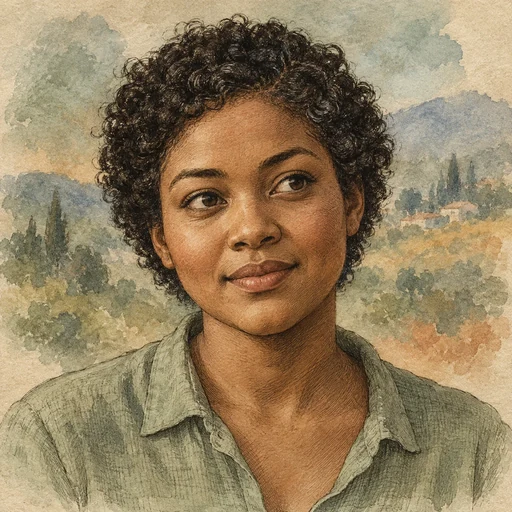
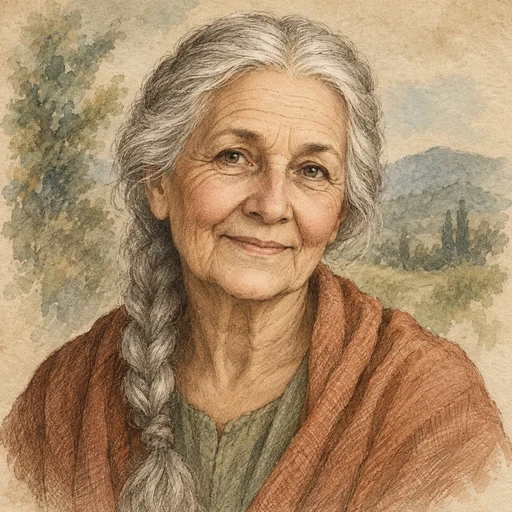
Fictional sample cast · Original illustrative portraits.
A bookshelf that feels like yours
Keep fiction and non-fiction together, clearly categorized in your private Android library. Move a book between categories yourself and return to your saved chapter, notes and bookmarks. Only fiction offers character-name changes.
Original sample fiction · Illustrative progress. In the app, your books, custom portraits, notes, and reading progress stay on your device.
Try a little StoryWoven
Matt is ready for the adventure.
Every book has a world
Illustrated atmospheres echo the book you’re reading. Light and dark themes, font choices, and reading colors help you settle into the chapter.
Before your first chapter
Yes. Non-fiction uses the app’s reader, chapters, search, bookmarks, notes, fonts and reading colors, with character renaming disabled. Fiction and Non-fiction have separate library filters. Book options → Change category lets you correct a category without losing your place or notes. If a book’s metadata is unclear, it stays in Needs review until you choose.
Start with fiction EPUB files that you have permission to use and that have no DRM protection. Formatting and character suggestions can vary between books. Review the cast and preview the changes before exporting.
You choose the character names. The aim is to personalize those references while keeping the author’s story. Suggested aliases need your review, especially where a name may refer to more than one character.
On your device. The app keeps your books, custom character portraits, notes, and reading progress locally. You choose when to save a backup or share an export. Create your account, sign in and manage it inside the Android app. Account deletion is under Settings → Account & privacy → Delete account. This website is an app showcase and sample demo, without accounts or book uploads.
DRM-protected Kindle purchases cannot be personalized by StoryWoven. PDF and other formats have their own import and formatting limitations. Kindle account syncing and Goodreads account linking are not advertised as available integrations.
StoryWoven is being prepared for Google Play. This page will link directly to the verified store listing once it is published.
Your next adventure starts here
A private library for fiction and non-fiction. StoryWoven is coming to Google Play for Android.
Coming to Google PlayThe Android release is in development. A download link will appear here when it’s available.


